
Creating a Project with Storyboard
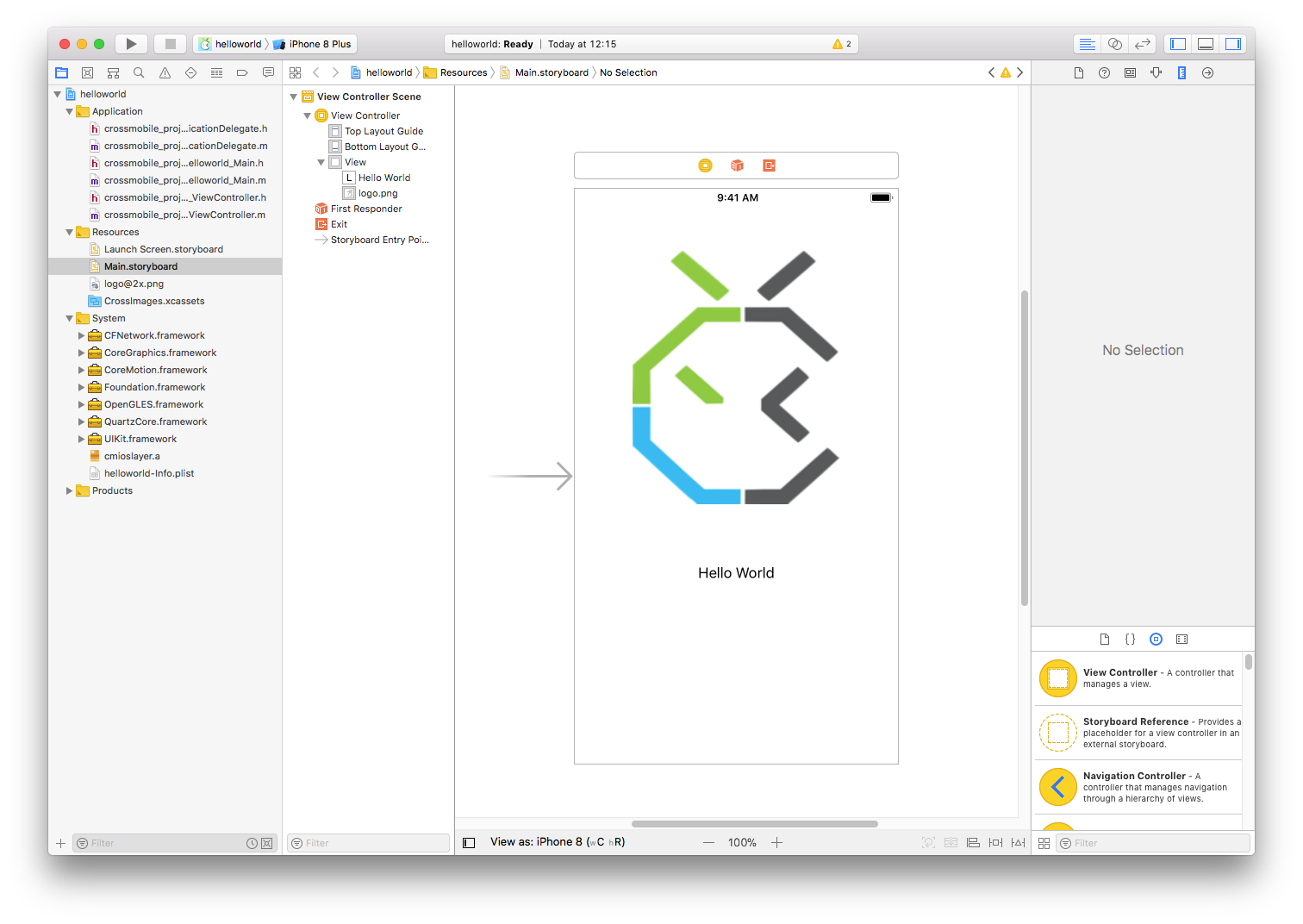
In this tutorial we will examine how to create simple a storyboard project with CrossMobile. (Mac only) First Open the CrossMobile manager and click New Project. In the new project window select “Base storyboard project” and click Create. When the Project window opens, select “Visuals” from the side bar and make sure that “Main” is set as the Main Storyboard. And run your project for ios. When the Project opens in xcode, select the Main.storyboard file under Resources to open it in the Editor. Form here youo can edit the storyboard as you would for an iOS app.