
Recipe

Phonebook

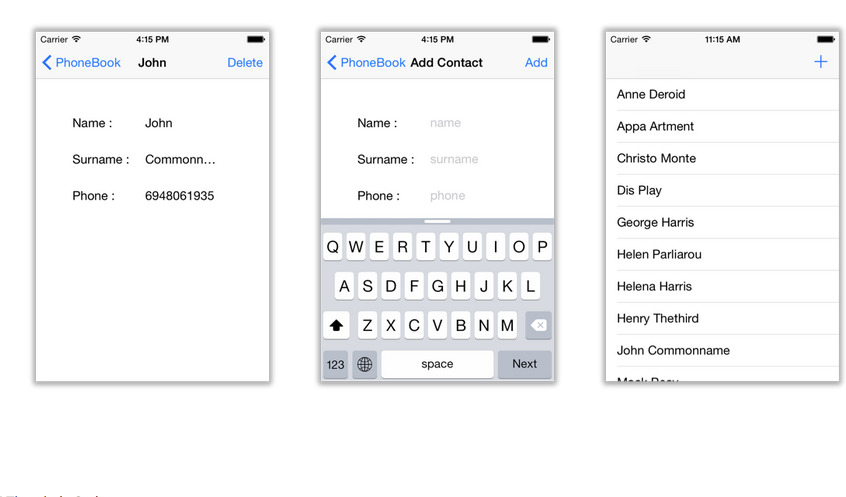
Phonebook application tutorial 1.Creating the project In this project we will create a Simple phonebook. Given a list of people from an xml file that we create the application presents it to the user using a UITableView. We will also implement “add” and “delete” contact actions, but since writing to a file would be beyond the scope of this tutorial, the changes will not be saved. First we need to add the phonebook.xml to the project’s recourses folder (which is src/main/artwork).
Continue reading

Roll Dice

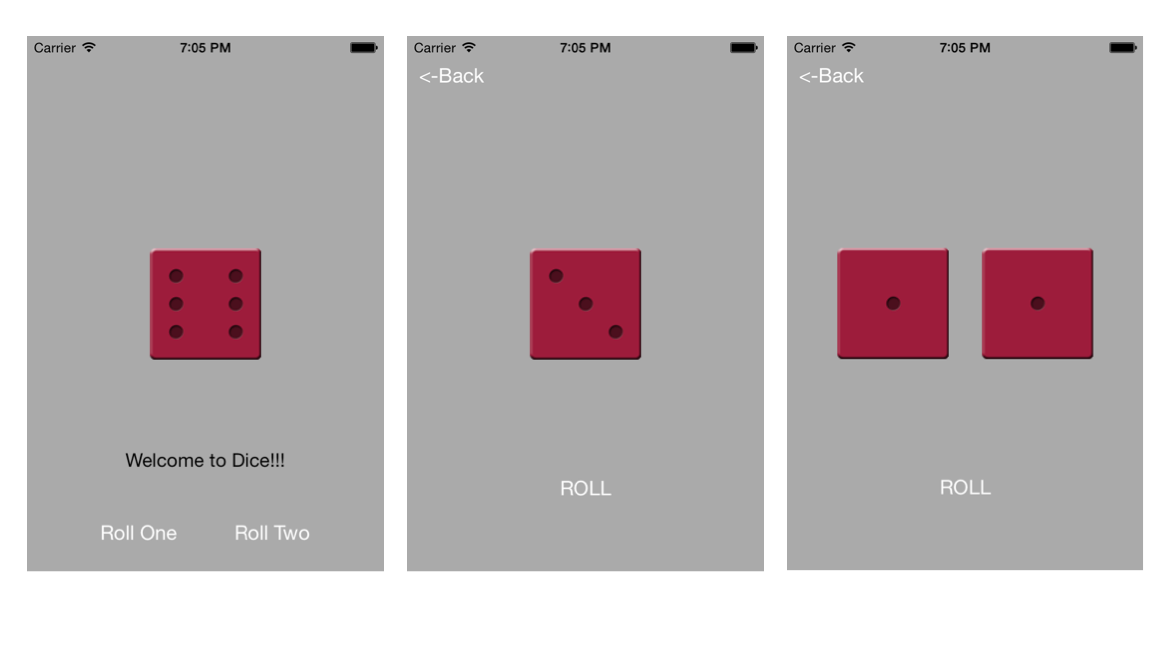
Roll dice application tutorial In this tutorial we are going to create a simple roll dice application for Android, IOS and Desktop. The user is prompted to choose whether to roll one or two dices. The following instance shows app’s first view on all three devices. 1.Create a new project To create a new project press the new project button. Let’s name this project Dice. Then press Code button to open your new project with NetBeans. As our first HelloWorld project each CrossMobile project has the basic three files Main.java, ApplicationDelegate.java and ViewController.java.

Continue reading

Truth or Dare

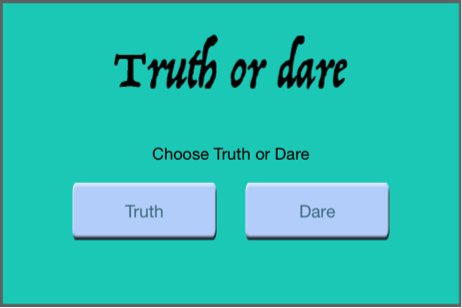
Truth or Dare application tutorial In this tutorial we will make a Truth or Dare game. We are going to use landscape orientation, custom image for background, custom buttons and JSON parsing. 1.Creating the project – choosing Landscape view First of all open CrossMobile and click New Project Name your Project TruthOrDare and press Create: Go to the visuals tab, select “Left” for Initial Orientation and choose only “Left” on Supported Orientations.

Continue reading